Ninja DualZone Match vs Sync: Which Button to Use and When
Match copies one basket's settings to the other. Sync makes two different foods finish at the same time. Here is how each works, with real dinner examples.
By the Dalqi kitchen · Updated 2026-11-16 · 4 min read
Short answer
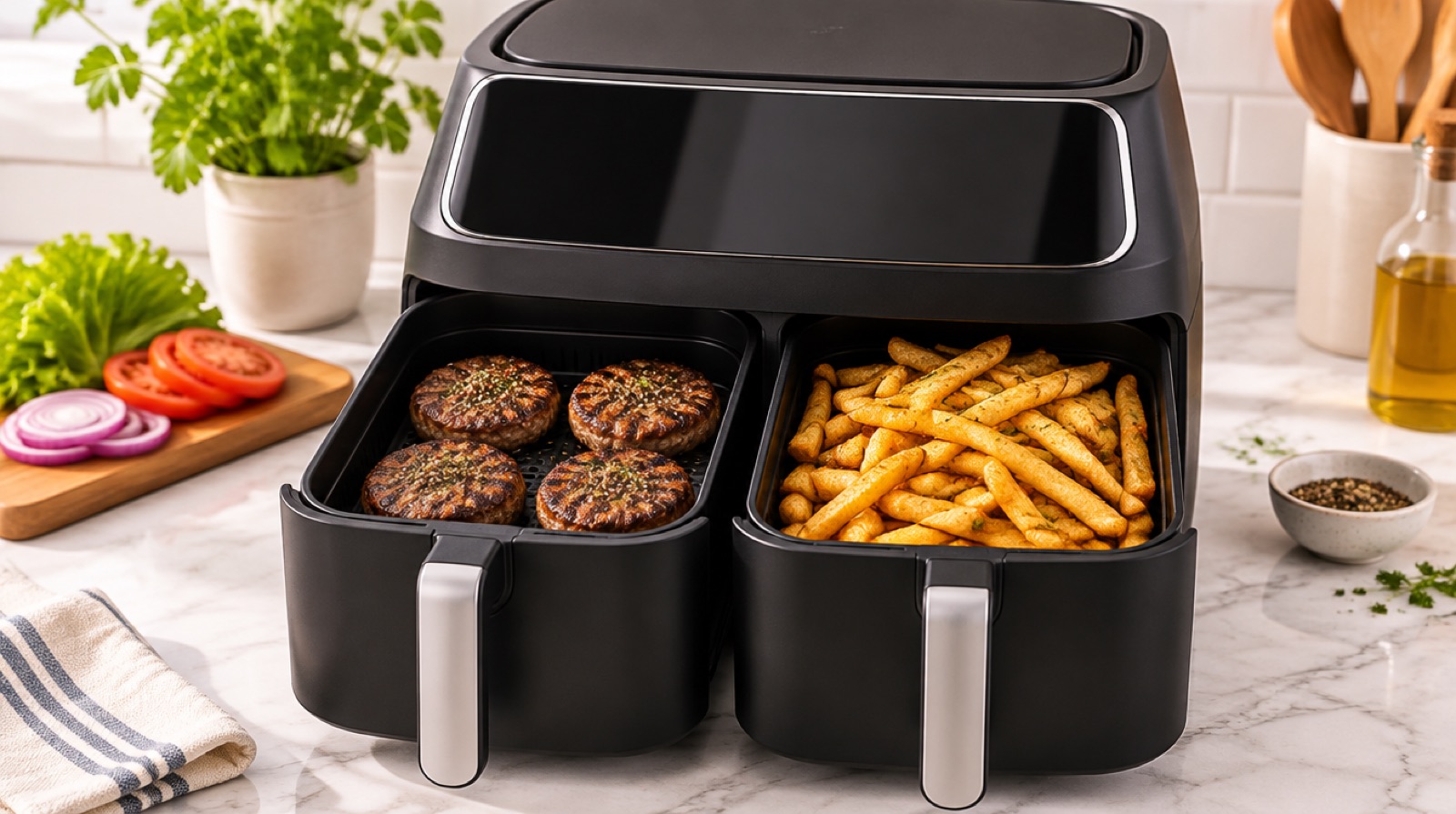
Use Match when both baskets hold the same food, or foods that need the same settings. It copies zone 1's function, temperature and time to zone 2. Use Sync when the baskets hold different foods with different times. It holds back the shorter zone so both baskets finish at the same moment.
Think of it this way: Match doubles a batch, and Sync times a whole meal. On some models the Sync feature is labeled Smart Finish, but it works the same way.
What Match does
Match is a shortcut. You set zone 1 (say, Air Fry at 390°F for 20 minutes), press Match, and zone 2 copies those settings. Press start and both baskets run together, side by side.
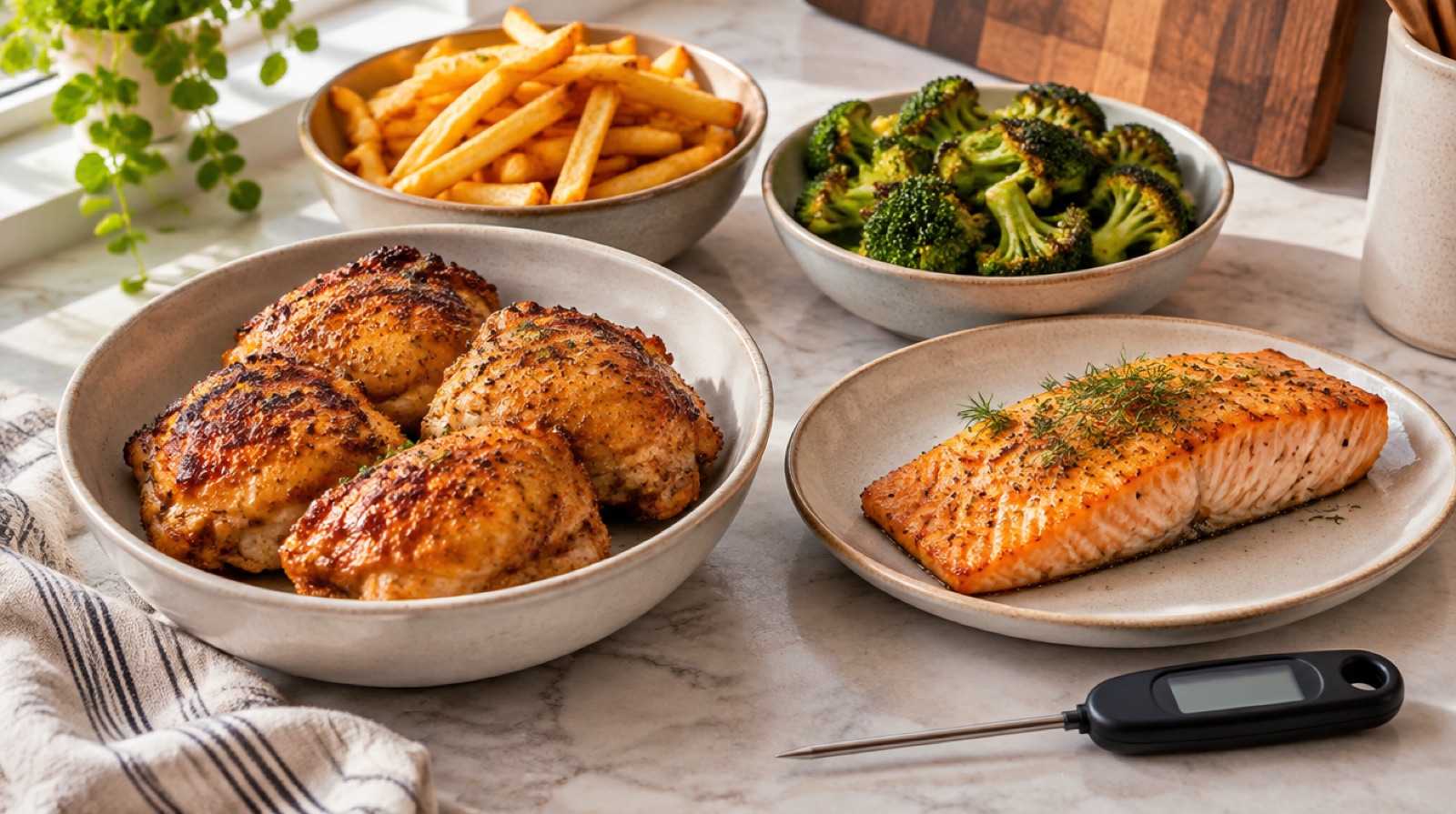
Use it when one basket isn't big enough: a double batch of chicken thighs for meal prep, two pounds of wings for game day, or enough fries for a family of five. Because each basket holds a single layer, splitting a big batch across two zones gives you crispier food than cramming it into one.
You can also use Match for two different foods that happen to share settings. Chicken tenders and broccoli both do well at about 390°F for 10 minutes, so Match works fine for both.
What Sync does
Sync is for meals. You set each zone on its own: zone 1 could be baked potatoes on Air Fry at 400°F for 40 minutes, and zone 2 steaks at 400°F for 10 minutes. Press Sync and start. The zone with the longest time starts first. The other zone waits, showing that it's on hold, and then starts on its own so both timers reach zero together.
That's the whole trick behind our DualZone steak and baked potatoes and burgers and fries dinners. You don't have to set a phone timer to remember when to start the second basket.
The functions don't have to match. One zone can Roast while the other Air Fries, or one can Bake a small dessert while the other Reheats, as long as your model allows that combination.
Match vs Sync at a glance
| Match | Sync | |
|---|---|---|
| Settings | Same in both baskets | Different in each basket |
| Start | Both start together | Longest starts first, the other starts later |
| Finish | Together (same time) | Together (by design) |
| Best for | Big batches of one food | A main and a side |
| Example | 4 lb of wings | Salmon and asparagus, steak and potatoes |
Step by step: a Sync dinner
- Put the longer-cooking food in either basket and the shorter one in the other. It doesn't matter which side.
- Select zone 1, then choose its function, temperature and time.
- Select zone 2, then choose its settings.
- Press Sync, then start. The longer zone begins right away and the other shows that it's waiting.
- Shake or flip each basket when its halfway point comes. Pull one basket at a time.
- Both baskets beep together at the end. Check the meat with a thermometer before serving.
Our salmon and asparagus dinner is a good first try because the two times are close, so you see the feature work without a long wait.
Tips that make both features work better
- Pulling a basket: on most dual-zone models, pulling a basket out pauses that zone until it goes back in. Push it back in firmly so it clicks into place, or the timer may not resume.
- Preheating: some models handle preheat automatically and others don't. If yours doesn't, add 2–3 minutes to protein zones rather than preheating each basket by hand.
- Don't Match foods that just happen to fit. Fries need shaking, salmon doesn't want to be touched. Even if the temps line up, separate timers give you more control.
- Game-day snacks: Sync two frozen foods with different times, like our mozzarella sticks and pizza bites, so everything comes out hot at once.
- Rest the meat: if the meat zone finishes and needs 5 minutes to rest, set its time 2–3 minutes shorter and let carryover cooking finish it.
Dinner pairings that work well with Sync
Sync shines when the two foods have clearly different times. These combinations are reliable starting points; adjust for thickness and check meat with a thermometer.
| Zone with longer time | Zone with shorter time | Why it works |
|---|---|---|
| Baked potatoes, 400°F, 35–45 min | Steak, 400°F, 8–12 min | Potatoes rest fine for a few minutes; steak goes straight to the board |
| Fresh-cut fries, 380°F, 18–24 min | Burgers, 370°F, 8–12 min | Fries need the long shake-and-crisp time |
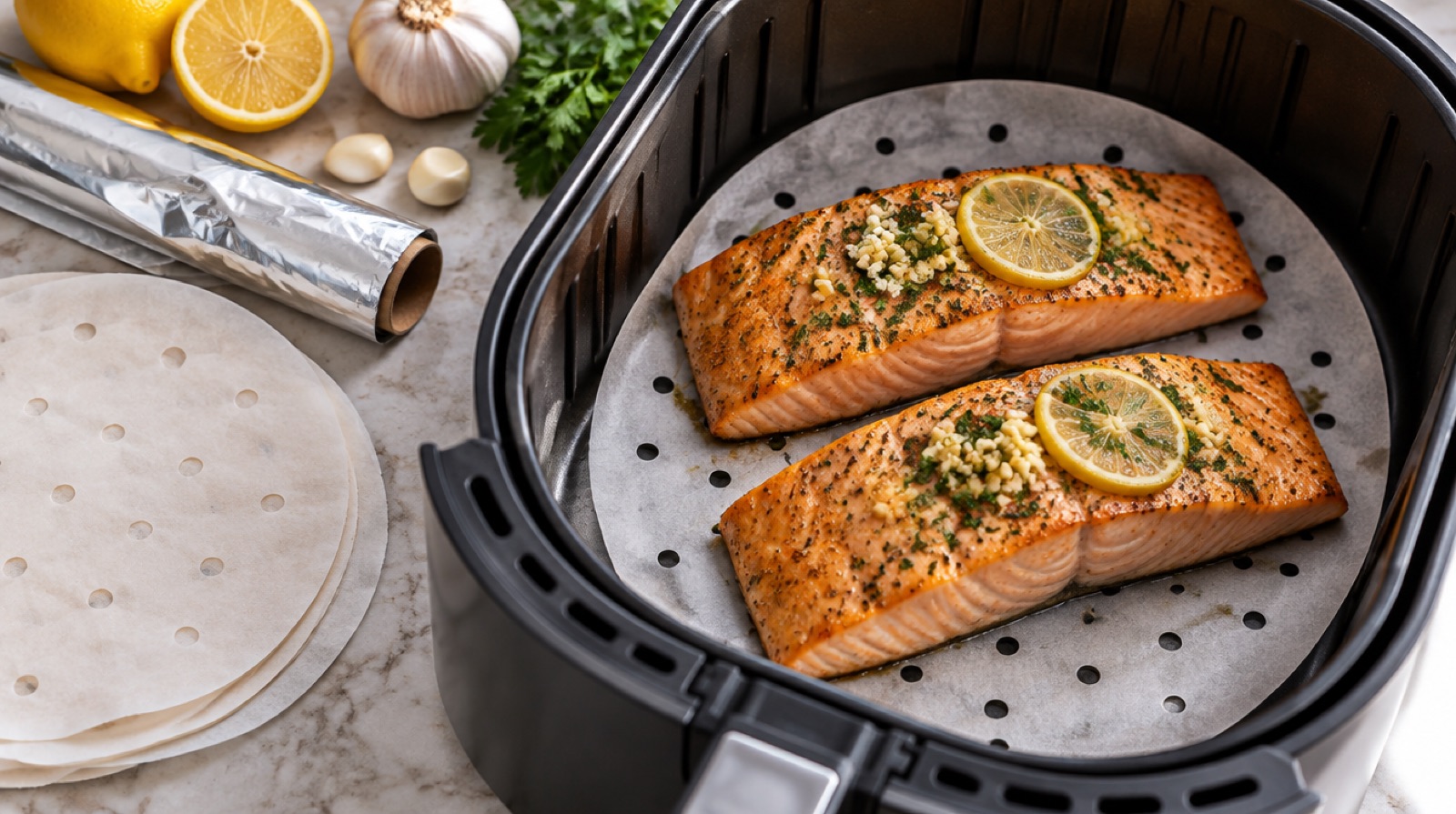
| Brussels sprouts, 375°F, 15–18 min | Salmon, 390°F, 8–12 min | Different temps, same finish |
| Chicken thighs, 390°F, 18–22 min | Green beans, 375°F, 8–10 min | Vegetables stay bright instead of overcooking |
| Sweet potato fries, 380°F, 14–18 min | Shrimp, 400°F, 6–8 min | Shrimp turns rubbery if it starts too early |
When two foods are within a couple of minutes of each other, Sync barely changes anything. In that case, either use Match (if the temperatures are the same) or just start both zones by hand.
Which models have Match and Sync?
Most Ninja dual-basket air fryers include both, though button names and the exact behavior vary by generation. Some label Sync as Smart Finish, some combine features on a single dial, and stacked double-basket designs offer similar options with a different layout. Single-basket models don't have either, since there's only one zone. Check your manual or the control panel for the exact label. For more two-basket meal ideas, browse our Ninja air fryer recipes.
If your model has neither label, you can still get the same result by hand: start the long-cooking basket first, subtract the short time from the long time, and start the second basket when the first timer shows that number. It takes a little more attention, but the food comes out the same. That is all Sync is doing for you behind the scenes.
FAQ
What is the difference between Match and Sync on a Ninja air fryer?
Match copies the settings from zone 1 to zone 2 so both baskets cook the same way. Sync lets each basket have different settings and delays the shorter one so both finish at the same time.
Is Smart Finish the same as Sync?
Yes, in practice. Some Ninja dual-zone models call the finish-together feature Smart Finish and others call it Sync. Both stagger the start times so the baskets end together.
Can I use Sync with different functions in each basket?
Usually, yes. One zone can roast while the other air fries, for example. A few combinations may be limited on some models, so check your manual.
Does pulling out one basket stop the other?
On most dual-zone models, removing a basket pauses only that zone, and it resumes when you push the basket back in. Behavior can differ by model.
Should I use Match for a full batch of fries?
Yes. Splitting fries between two baskets with Match keeps each layer thin, so they crisp better than one overloaded basket.
Recipes to try
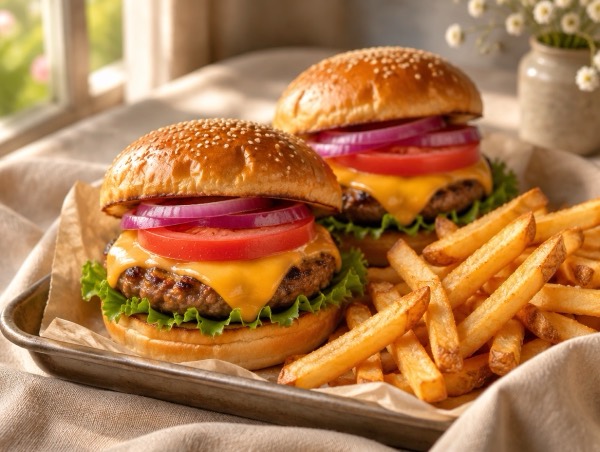 Air Fryer
 Burgers and Fries (DualZone Dinner)
800 kcal · 46 g protein · 30 min
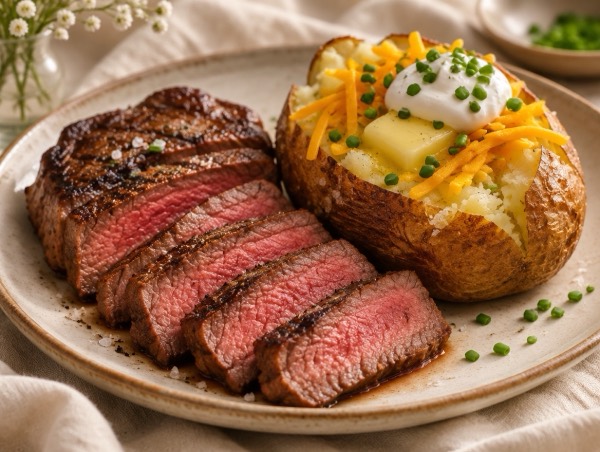 Air Fryer
 Steak and Baked Potatoes (DualZone Steakhouse Dinner)
689 kcal · 43 g protein · 55 min
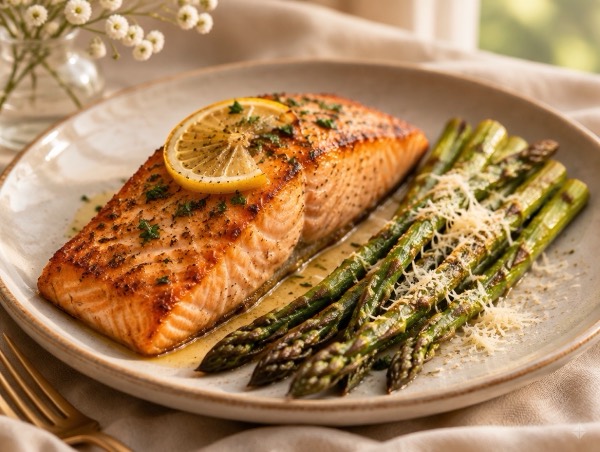 Air Fryer
 Salmon and Asparagus (DualZone, 10 Minutes)
453 kcal · 38 g protein · 15 min
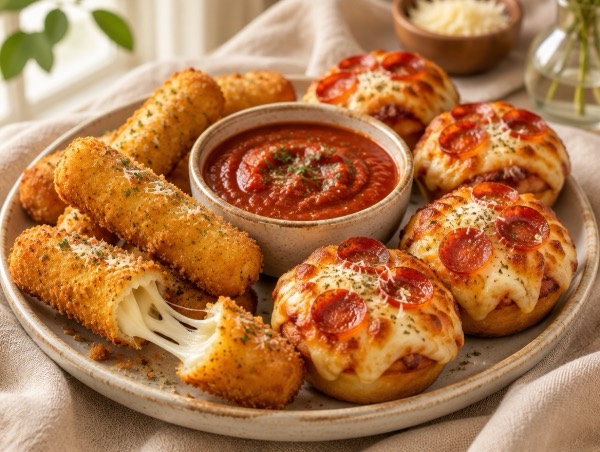 Air Fryer
 Mozzarella Sticks and Pizza Bites (DualZone Game-Day)
487 kcal · 24 g protein · 30 min
 Air Fryer
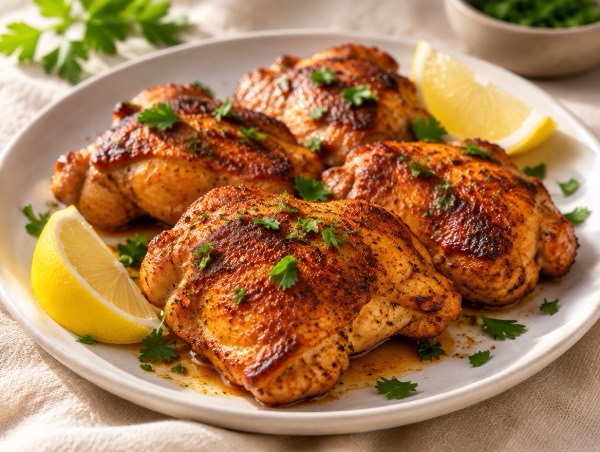
 Chicken Thighs (Crispy, 20 Minutes)
249 kcal · 34 g protein · 25 min